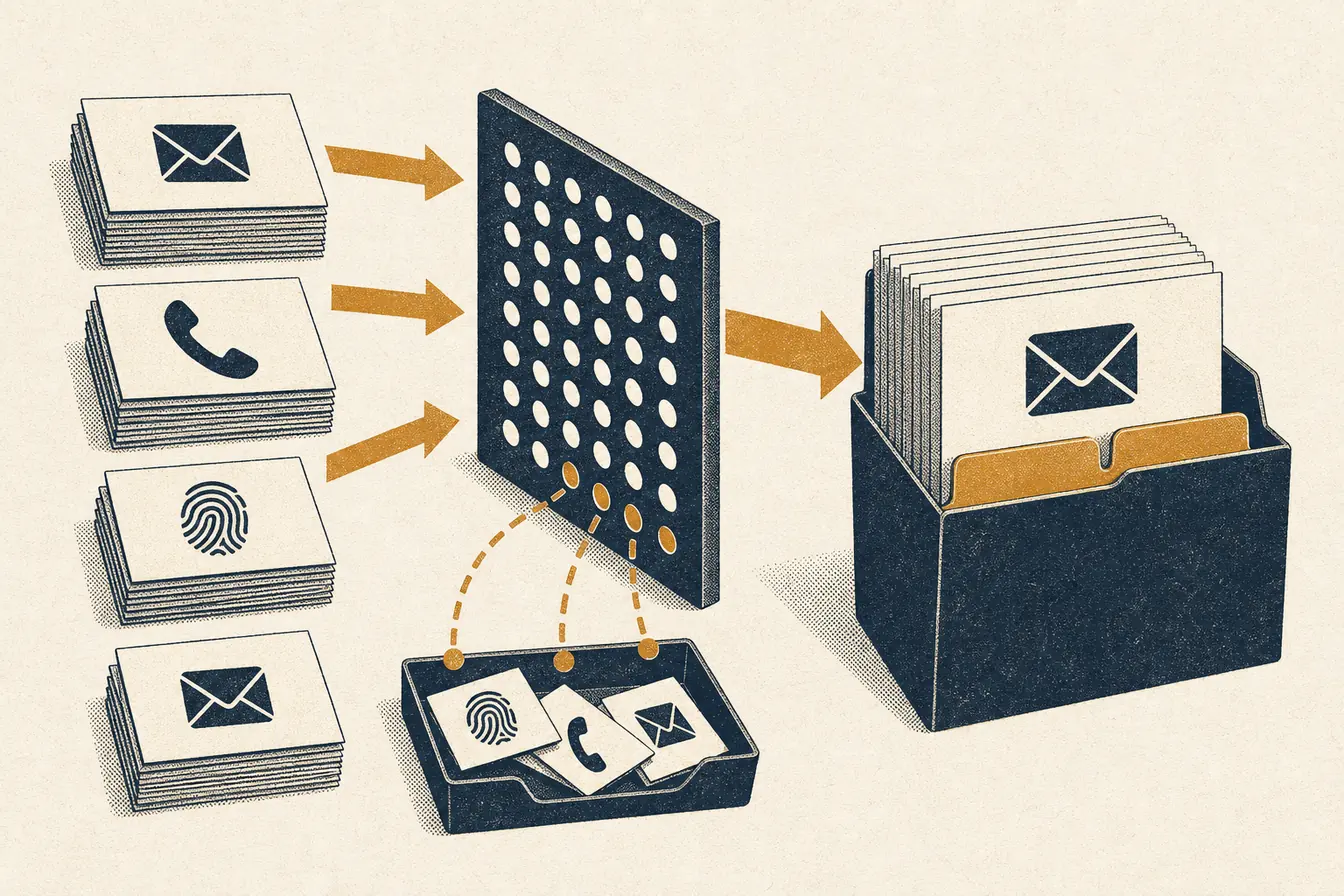
ChatGPT Ads custom audiences turn a first-party customer or prospect list into a targeting control. A ready audience can exclude people from a campaign, limit a campaign to them, or raise and lower an ad group’s maximum bid when they match. What the list needs depends on the use: exclusion has no minimum size, while inclusion and bid adjustments need enough matched users, with 25,000 as OpenAI’s planning threshold.
Two limits come first. Custom audiences are not supported on campaigns that target the European Economic Area or Switzerland, where OpenAI does not yet offer personalized ads. And OpenAI asks for first-party data you have the right to use, never broker lists, with privacy or legal sign-off before upload (Custom Audiences, checked 2026-10-17).
What each use needs
| Use | What it does | Size requirement |
|---|---|---|
| Exclusion | Stops delivery to matched people | None. A ready small or empty audience works |
| Inclusion | Delivers only to people in at least one included audience | Plan on 25,000 matched users |
| Bid multiplier | Changes the ad group’s maximum bid, 0.1x to 10x, for matched viewers | Plan on 25,000 matched users |
The 25,000 figure applies to matched users, not rows in your file, and OpenAI calls it a planning threshold that privacy safeguards can move. When a campaign uses inclusion and exclusion together, the people left after exclusions must still clear it. An empty exclusion audience excludes no one until you add members.
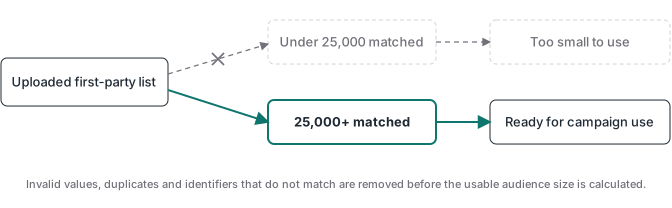
That changes what a small advertiser can do. A shop with 3,000 past buyers cannot run an inclusion campaign on that list, but it can keep those buyers out of a new-customer offer from day one.
Which list to upload
Start from a campaign decision rather than an export of the whole CRM. Each audience should serve one purpose and have a dated rule for who belongs in it.
| Business question | Source group | Audience use |
|---|---|---|
| Who should not see a new-customer offer? | Current customers or recent purchasers | Exclusion |
| Which known prospects should be eligible? | Qualified leads with a current advertising permission state | Inclusion |
| Which viewers justify a different maximum bid? | A documented high-value customer group | Bid multiplier |
| Which records need another cleanup pass? | Invalid, duplicated, stale or untraceable identifiers | Do not upload yet |
If the source system cannot say where an identifier came from, or whether this use is covered by your notices and choices, the export is not ready.
The file
Upload a UTF-8 CSV or TXT file of up to 500 MB. A TXT file has one identifier per line and no header. A CSV must have a header naming the identifier column:
| Type | CSV header | Format |
|---|---|---|
email |
Raw address; OpenAI trims and lowercases it | |
| Phone | phone_number |
E.164, with + and country code |
| Hashed email | email_sha256 |
SHA-256 hex of the trimmed, lowercased address |
| Hashed phone | phone_number_sha256 |
SHA-256 hex of the E.164 number, + included |
| Android ad ID | gaid |
Raw, hyphenated, nonzero UUID; do not hash it |
You can put several identifier columns in one CSV by setting identifier_resolution to auto. Leave unused cells empty; each filled cell is a separate matching candidate, and a person matched through two identifiers counts once. Without auto, a file holds one type and is limited to 5,000,000 identifiers. With auto, the 500 MB limit is the cap.
email,phone_number
ana@example.com,
,+12025550123
Hashing has three rules people miss. Keep dots and plus tags in email addresses; do not “clean” ana.silva+promo@gmail.com. Hash the UTF-8 value with no trailing newline. Send hexadecimal, not Base64.
The phone format is the trap. Audience files hash E.164 with the +. OpenAI’s Conversions API hashes the digits without it. The same customer gives two different hashes, so a helper shared between your audience export and your conversion events will break one of them.
Creating it and reading the result
These steps follow OpenAI’s Ads API, which documents every operation. Ads Manager has an audiences area for the same job; check its labels in your own account.
- Upload the file to
POST /v1/uploadswithpurpose=custom_audience. Keep the returnedfile_id, the filename, MIME type and exact byte size. - Create the audience with
POST /v1/custom_audiences, passing those values and theidentifier_type(oridentifier_resolution: "auto"). Omit the file to create an empty audience you fill later. - Poll
GET /v1/custom_audiences/{id}until processing ends.
| Status | Meaning |
|---|---|
upload_pending, processing, rockset_ingest_pending, publishing |
Still being prepared |
ready |
Prepared. Check eligibility for the use you intend |
too_small |
Did not meet the size policy when processed |
failed |
Check format, identifier type and file limits |
archived |
Permanently retired |
ready does not mean eligible for every use. Ask directly with GET /v1/custom_audiences?intended_use=inclusion (or exclusion, bid_multiplier); the response lists only the audiences that qualify.
Counts come back as ranges, never exact numbers: under_25k, 25k_100k, 100k_500k, 500k_1m, 1m_5m, 5m_plus. under_25k includes empty audiences, and none means the count is not available, not zero. Above 100,000 matched users you can ask for finer ranges with matched_count_granularity=granular. Record the range and the eligibility answer for each upload; there is no exact match rate to log.
OpenAI’s help center said in August 2026 that processing usually takes 20 to 30 minutes and recommended starting from about 100,000 users. Treat both as guidance from that date.
Keeping it current without rebuilding
An audience can be changed in place. Each change is asynchronous and needs a fresh Idempotency-Key; reuse a key only to retry the same request.
- Add and Remove take a delta, inline or as a file. Batches of up to 10,000 inline identifiers use the fast path, and the request body must stay under 16 MiB. Adding someone already in the audience does not duplicate them.
- Replace swaps the whole membership from a full snapshot file. It needs the current
membership_revisionasexpected_revision, keeps the audience ID, and leaves campaign and ad-group references in place. The old list stays live until the new one publishes. - Merge combines 2 to 64 ready audiences into a new, independent one. Later changes to the sources do not flow into it.
Archiving is permanent and cannot be undone. Use it to retire an audience, never as a refresh step.
A buyers-exclusion list is the obvious candidate for automation. The webhook that confirms a payment can call /add for that customer’s email, so new buyers stop seeing acquisition ads without a weekly export. That is still a separate pipeline from measurement: sending an order_created event updates no audience, and a ready audience proves nothing about your conversion events.
Membership changes can be refused when they would shrink a campaign below its size requirement, for example adding people to an exclusion list that leaves too few eligible. Read the error and the audience’s current state before you retry.
Inclusion, exclusion and multipliers together
Exclusions take precedence over inclusions, and one audience cannot be both included and excluded in the same campaign. A bid multiplier applies at ad-group level, changes the maximum bid for a matched viewer, and does not make anyone eligible by itself. When a viewer matches several audiences with multipliers, the highest one applies, which can raise a bid more than an operator expected. Write down overlapping lists before launch.
Use inclusion when a campaign is only for a known group, exclusion when a known group should not get the offer, and a multiplier when broad delivery stays but one group is worth more. The server-side GTM build notes cover the measurement side, which these controls do not touch.
The ATA Tracking Toolkit membership includes a library of server GTM containers as a bonus, next to ATA Edge for Meta. New GTM containers for verified conversion flows are in development.